From one photo to a finished set, in five steps.
No studio, no stylist, no scheduling. Here is exactly what happens between your upload and your download.
Step 1 of 5
Upload
Choose one clear photo of yourself. Daylight, face visible, no sunglasses. The photo on your phone is usually enough.
Drop your photo here
JPG, PNG or HEIC up to 20 MB
Preview
- Face clearly visible
- Even lighting
- No sunglasses
Step 2 of 5
Choose your style
Pick a category for where the photo will live, then a style: studio, executive, modern office, outdoor and more.
Choose a style
LinkedIn
Studio
Executive
Modern Office
Luxury
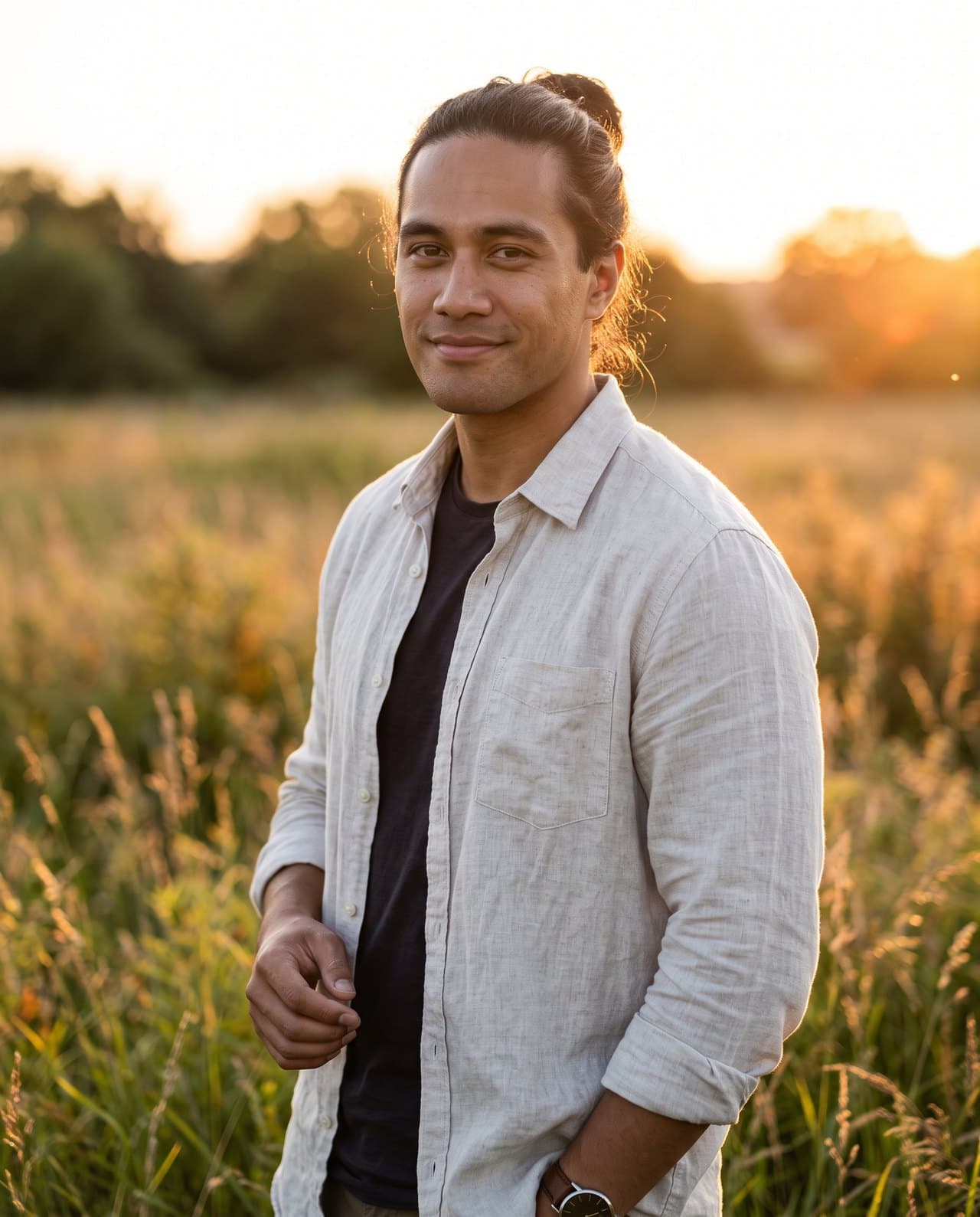
Outdoor
Minimal
Step 3 of 5
Customize
Set the outfit, background, lighting, mood and camera style, or leave the defaults. You see the credit cost before you commit.
Fine-tune the look
Estimated cost1 creditStep 4 of 5
Generate
Generation takes moments, not days. You can keep browsing while it runs; your photos land in your library when they're done.
Creating your photos
Almost ready
LinkedIn · Modern Office · Navy blazer
Step 5 of 5
Download
Download at full resolution, save the ones you love, and generate another look from the same upload.
LinkedIn portrait
- Style
- Modern Office
- Size
- 4096 × 5120
- Credits used
- 1
Download Save to library


Ready to try it?
One free credit. No card needed.


Your next photoshoot starts here.
Turn a single photo into a complete collection of professional images.