LinkedIn 5 min read
How to make a LinkedIn profile picture with AI, step by step
Turn one selfie into a professional LinkedIn headshot in a few minutes. What photo to start with, which settings to pick and how to keep it looking like you.
By Mudassir

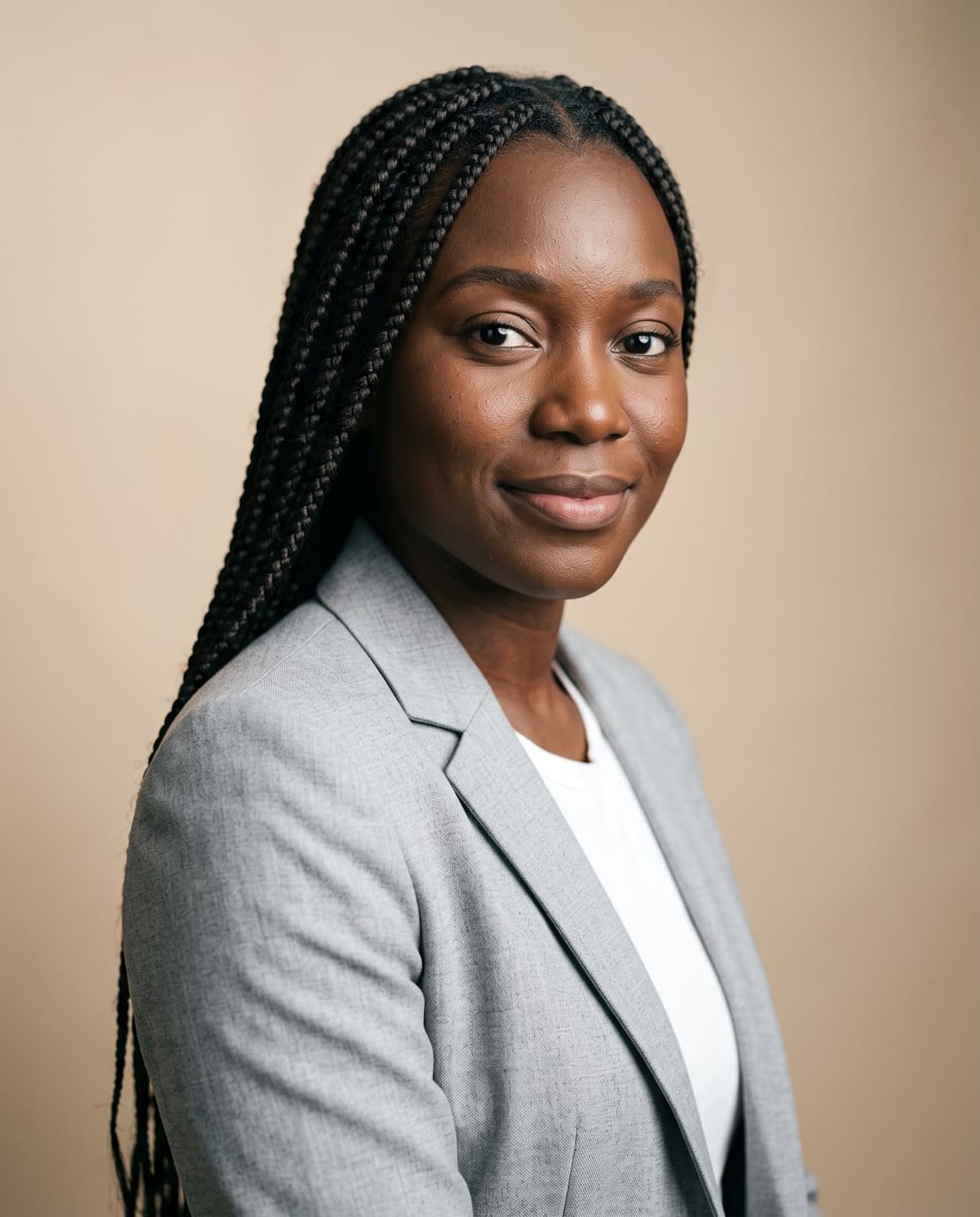
You don't need a photographer for a good LinkedIn photo any more. An AI headshot tool can take one clear selfie and turn it into a polished, professional portrait. Here is exactly how to do it with Maktek, and what makes the difference between a photo that looks like you and one that doesn't.
Step 1: Take one good selfie
The result can only be as accurate as your starting photo. Face the camera at eye level, stand facing a window for soft daylight, and make sure you are the only person in the shot. Turn off beauty filters and portrait mode.
- Eyes level with the lens, face fully visible.
- Daylight from the front, no harsh shadows.
- No sunglasses, hats or hands on the face.
- A sharp photo, not a screenshot.
Step 2: Choose the LinkedIn look
In Maktek, upload the photo and pick the LinkedIn category. It's set up for a head-and-shoulders crop, a softly blurred modern office or neutral background and a friendly, confident expression, which is what works best at LinkedIn's small circular size.
Step 3: Decide what changes and what stays
You can change the outfit to a business suit, smart casual or formal look, swap the background for an office or studio, and adjust the lighting. Anything you leave on None stays exactly as it is in your selfie. Your face, skin tone and hair are always kept.
Step 4: Make a few and pick the best
Generate two or four photos at once and choose the one that looks most like you on a good day. Each photo uses one credit, and your first photo is free.

Step 5: Upload it to LinkedIn
Download the high-resolution file, open your LinkedIn profile, tap your photo and upload it. Use the crop tool so your face fills most of the circle.