LinkedIn 6 min read
LinkedIn profile photo tips that actually make a difference
Framing, light, background, expression and what to wear: a practical checklist for a LinkedIn photo that looks professional and still looks like you.
By Mudassir
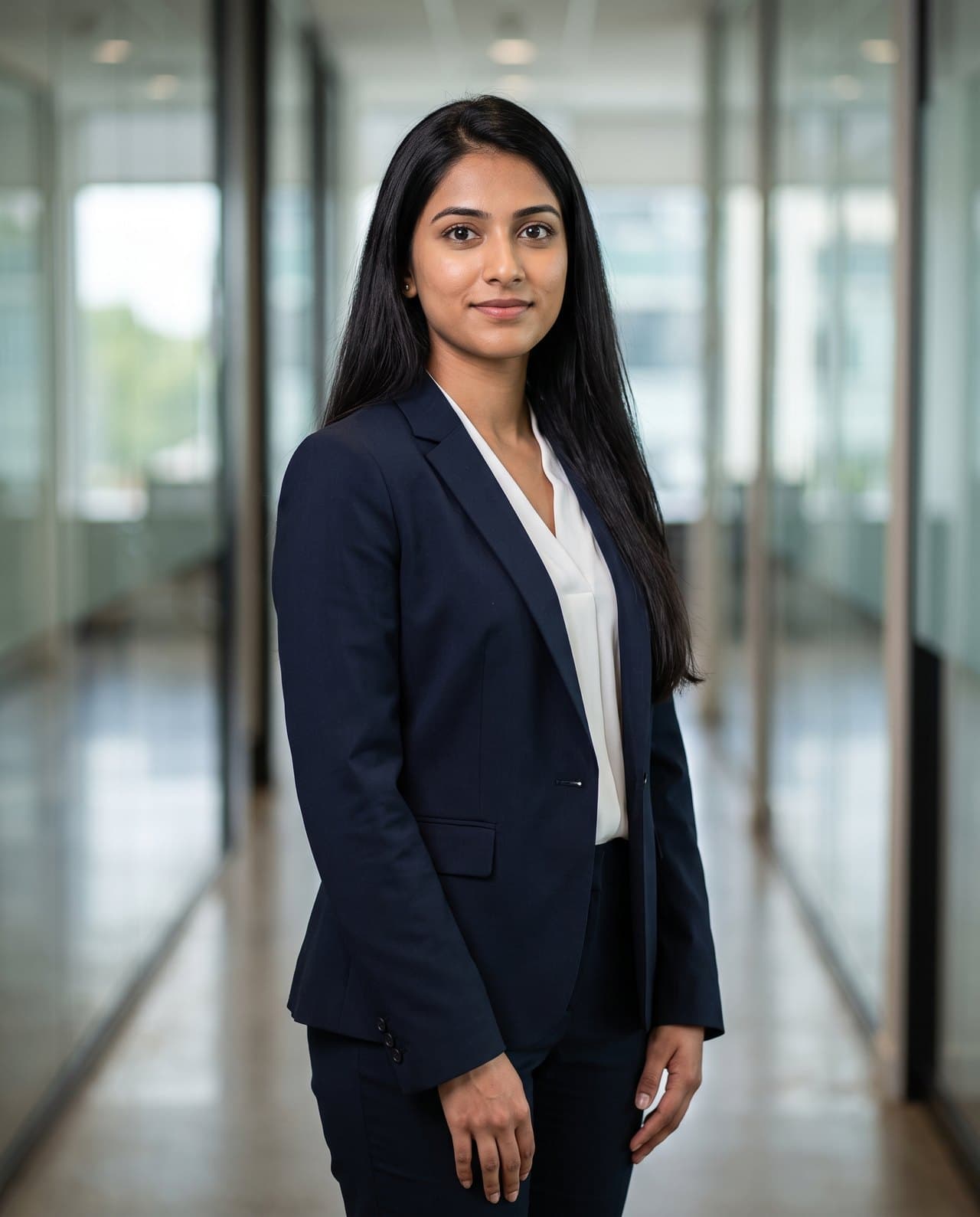
Your LinkedIn photo is usually the first thing a recruiter, client or new colleague sees, often before they read a single line of your profile. It is shown tiny in search results and comments, so small choices matter more than you might expect.
Here is what to get right, roughly in order of how much it matters.
1. Your face should fill most of the frame
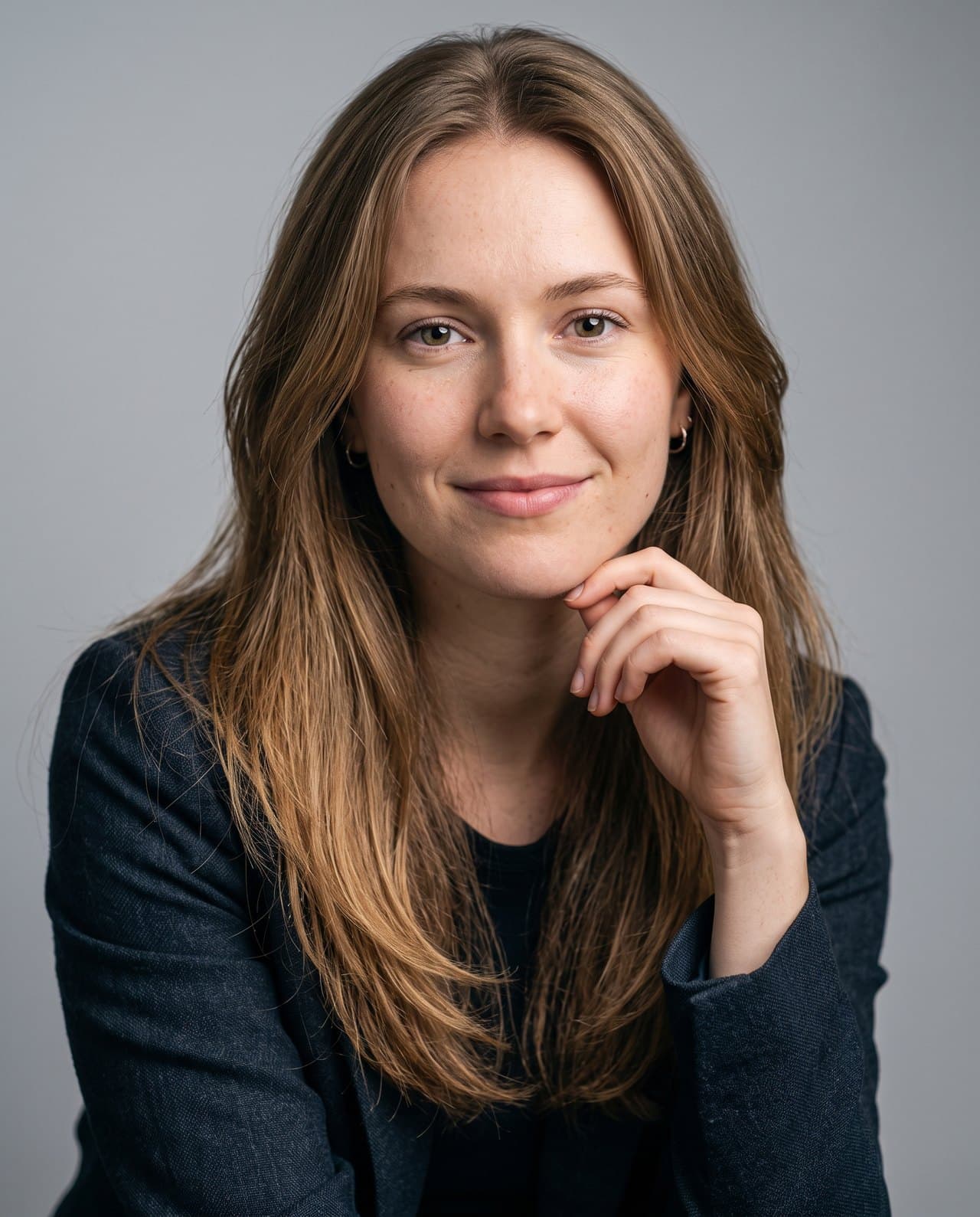
LinkedIn crops your photo into a small circle. If you are standing far from the camera, your face becomes a few pixels wide. Aim for a head-and-shoulders crop where your face takes up around 60% of the frame. Cut off at the chest, not the waist.
2. Soft, even light on your face
Light does more for a photo than any camera. Face a window during the day, or step outside in open shade. Avoid direct overhead light, which creates dark eye sockets, and harsh sun, which makes you squint.
- Face the light source, don't stand with it behind you.
- Cloudy days give the most flattering light outdoors.
- Turn off mixed indoor lights that tint your skin yellow or green.
3. A background that stays out of the way
A plain wall, a softly blurred office or a neutral outdoor scene all work. What doesn't work is clutter: bookshelves, other people, bright signs or anything that pulls the eye away from your face.

4. Dress for the job you want to be seen in
Wear what you would wear to an important meeting in your field. Solid, mid-tone colours photograph best. Navy, grey, white and muted earth tones are safe choices. Avoid busy patterns and logos, which look noisy at small sizes.
5. A real, relaxed expression
People decide whether you seem approachable in a fraction of a second. A slight smile with relaxed eyes reads as confident and friendly. If a forced smile feels stiff, think of something genuinely funny just before the photo.
6. Look like you on a good day
The goal is recognition. Someone meeting you on a video call should immediately know it's you. Skip heavy filters, use a recent photo, and keep your usual hairstyle and glasses if you normally wear them.
No photographer? You still have options
A friend with a recent phone, a window and five minutes can produce a usable headshot. If you want a polished studio look without booking a shoot, Maktek turns one clear selfie into LinkedIn-ready portraits with the lighting, background and outfit you choose, while keeping your face.