Guides 4 min read
How to take the right selfie for AI headshots
AI headshots are only as good as the photo you give them. Six simple rules for a source photo that keeps your face accurate.
By Mudassir

AI photo tools learn your face from the photo you upload. Give them a clear, well-lit photo and they keep your features accurate. Give them a dark, blurry or heavily filtered one and the results drift away from what you really look like.
These rules take two minutes and make the biggest difference to how much the results look like you.
1. Face the camera, eyes level with the lens
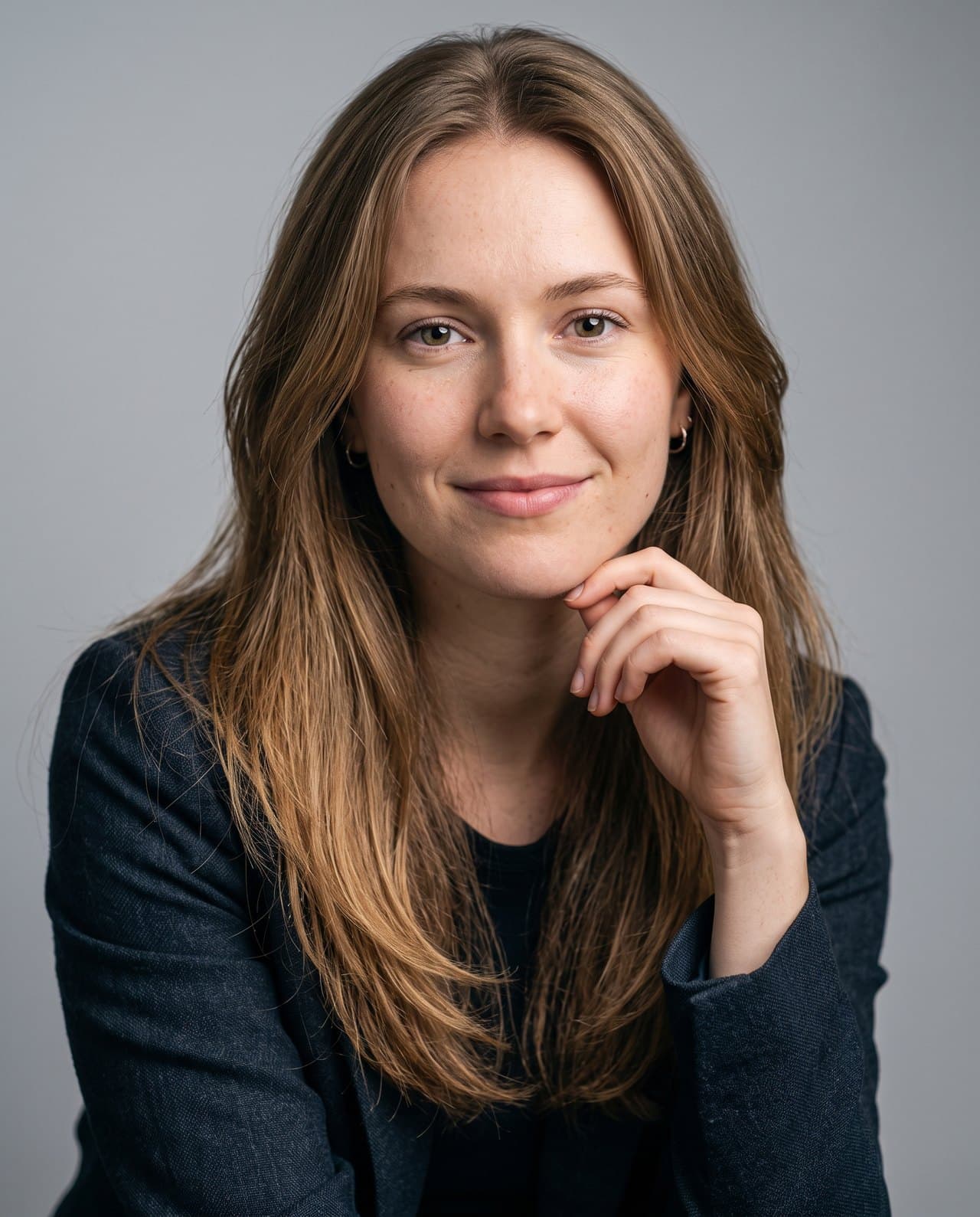
A straight-on photo shows the shape of your face, nose and jaw clearly. Hold the phone at eye level. Shots from below or at a sharp angle distort proportions, and the AI copies that distortion.
2. Use daylight from a window
Stand facing a window so the light falls evenly on your face. Avoid the camera flash, strong shadows across half your face, and backlight that turns you into a silhouette.
3. Only you in the photo
Crop out friends, partners and pets. If there are several faces, the tool has to guess which one is you.
4. No filters, no beauty mode
Smoothing filters erase the details that make your face yours: skin texture, freckles, the shape of your eyes. Turn off beauty mode and portrait effects and upload the plain photo.
5. Keep your face uncovered
Sunglasses, hats with low brims, hands on the face and hair over the eyes all hide information. Regular glasses are fine if you usually wear them.
6. Sharp and reasonably large
Use the main camera if you can ask someone to help, or the front camera held at arm's length. Make sure the photo is in focus, and don't upload a tiny screenshot or a photo that has been sent through several chat apps.

Then pick the look
In Maktek you upload that one photo, choose a category such as LinkedIn, Corporate or Dating, and optionally change the outfit, background and lighting. Anything you leave on "None" stays as it is in your original photo.