Guides 5 min read
How to make a professional CV photo with AI
Should your CV have a photo, what a good one looks like, and how to turn a selfie into a clean, professional resume photo in a few minutes.
By Mudassir
In many countries a photo on your CV is expected: across much of Europe, the Middle East and South Asia, recruiters look for one at the top of the page. A good photo makes you look prepared. A cropped holiday snap or a dark selfie does the opposite. Here is how to get it right without booking a studio.
Does your CV need a photo?
- Usually yes: Germany, France, the Gulf countries, Pakistan, India and much of Asia.
- Usually no: the US, UK, Canada, Australia and Ireland, where many employers prefer CVs without photos.
- If the job advert or company template asks for one, always include it.
What a good CV photo looks like
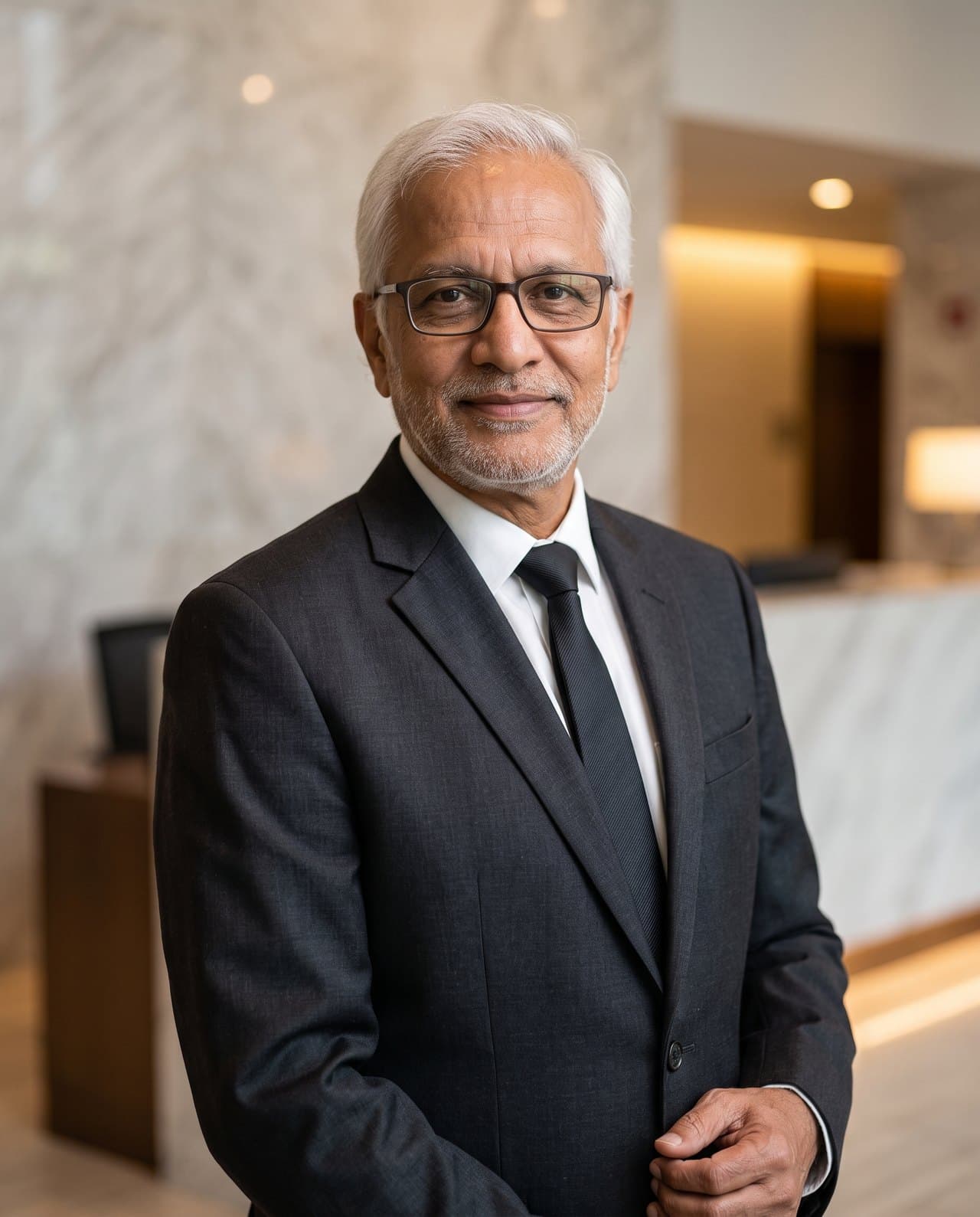
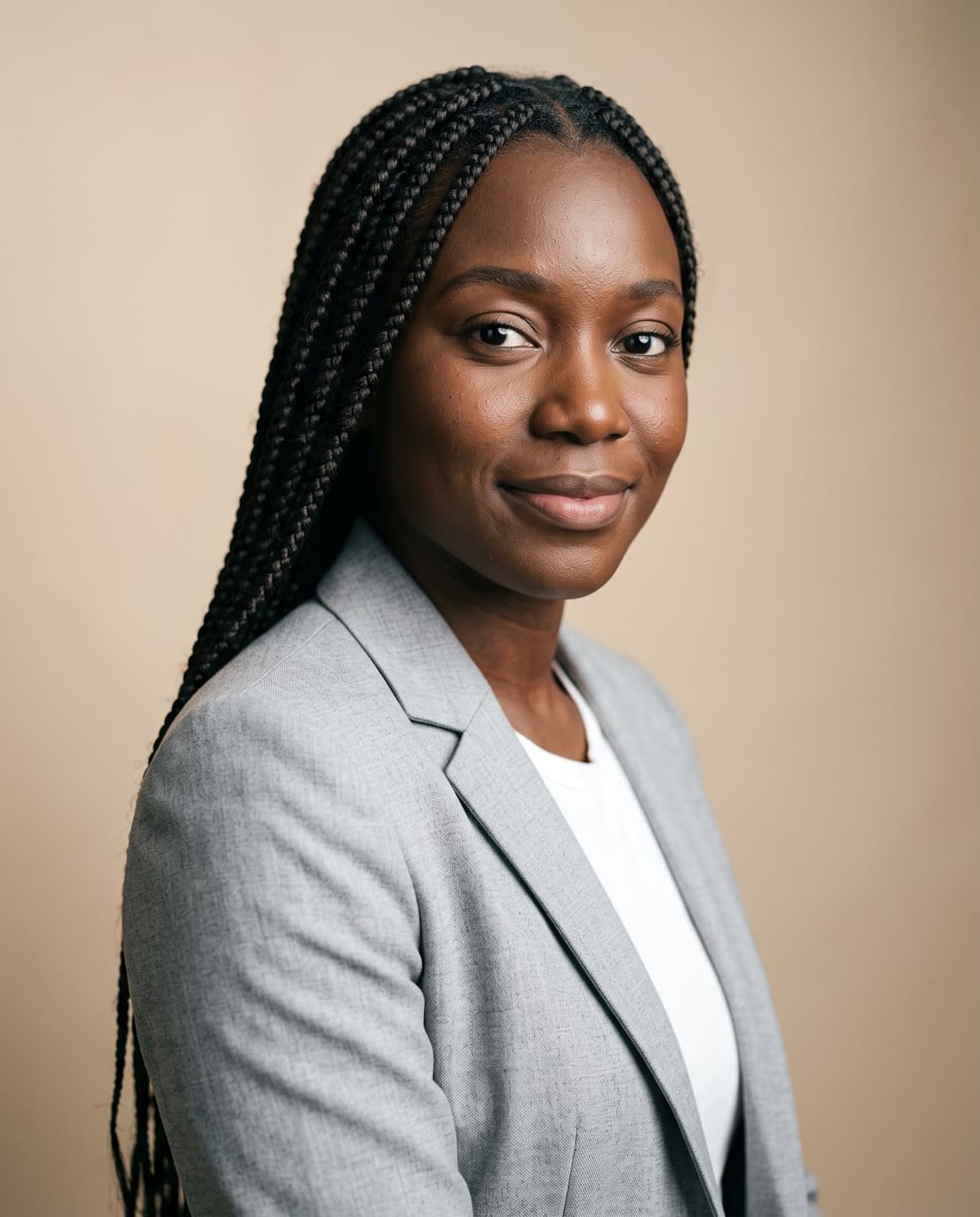
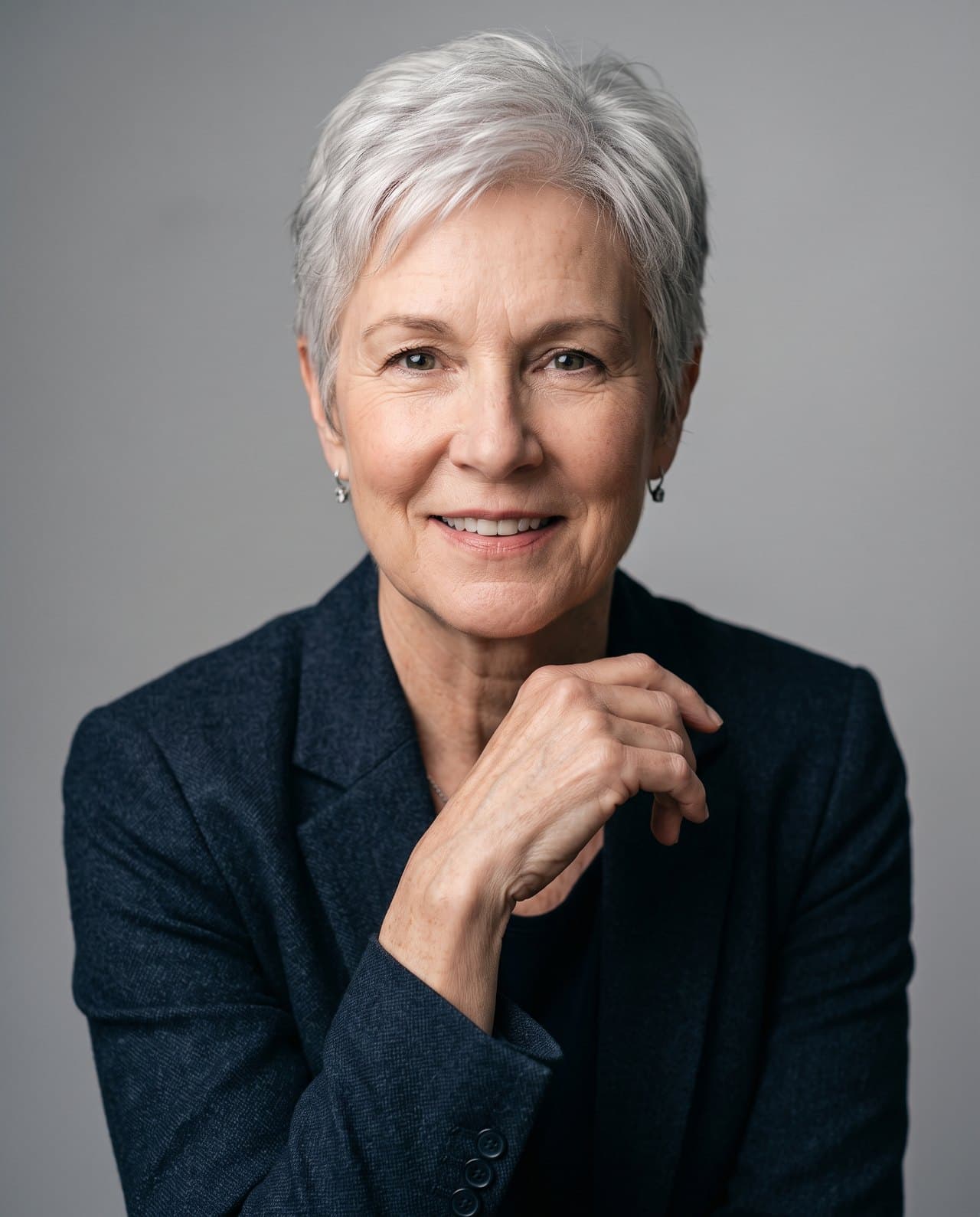
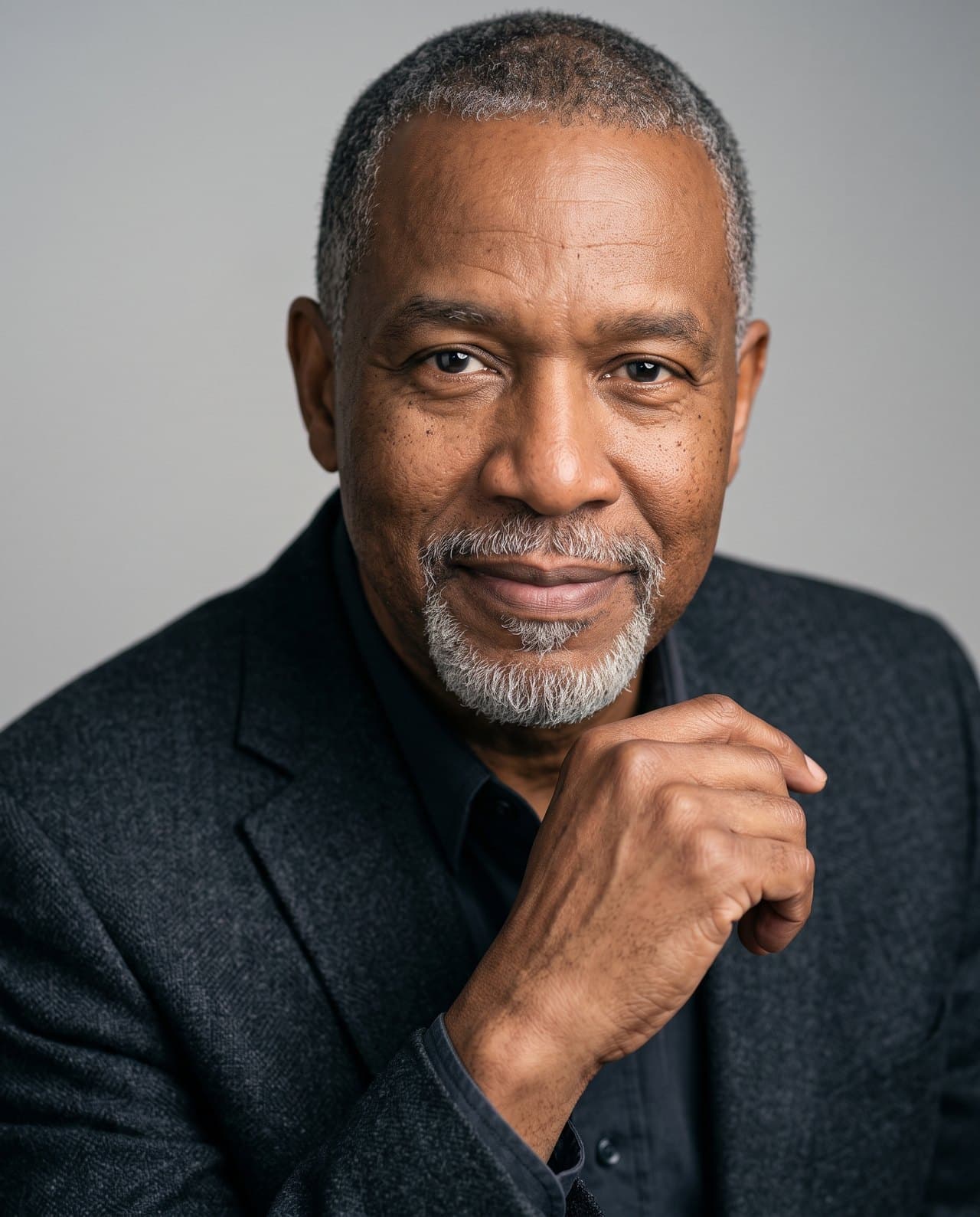
- Head and shoulders, face filling most of the frame.
- A plain, light or softly blurred background.
- Even, soft light on the face with no harsh shadows.
- Work clothing that suits the role: a blazer or suit for office jobs, a neat shirt for most others.
- A calm, friendly expression, looking at the camera.
Step 1: Start with a clear selfie
Stand facing a window in daylight, hold the phone at eye level and keep your face fully visible. Turn off beauty filters. The clearer the photo, the more the result looks like you.
Step 2: Pick the Professional look
Upload the selfie to Maktek and choose Professional or Corporate. Set the outfit to a business suit or smart casual, and the background to studio or plain. Anything you leave on None stays as it is in your photo, and your face is always kept.
Step 3: Crop it for the CV
Download the high-resolution file. Most CV templates use a small square or passport-style box, so crop just below the shoulders and keep a little space above your head. Save it as a JPG so it stays sharp in a PDF.