Business 4 min read
Matching team headshots for your company website, without a photoshoot
How small teams and remote companies get consistent headshots for the About page: same background, same light, same style, from everyone's own selfie.
By Mudassir

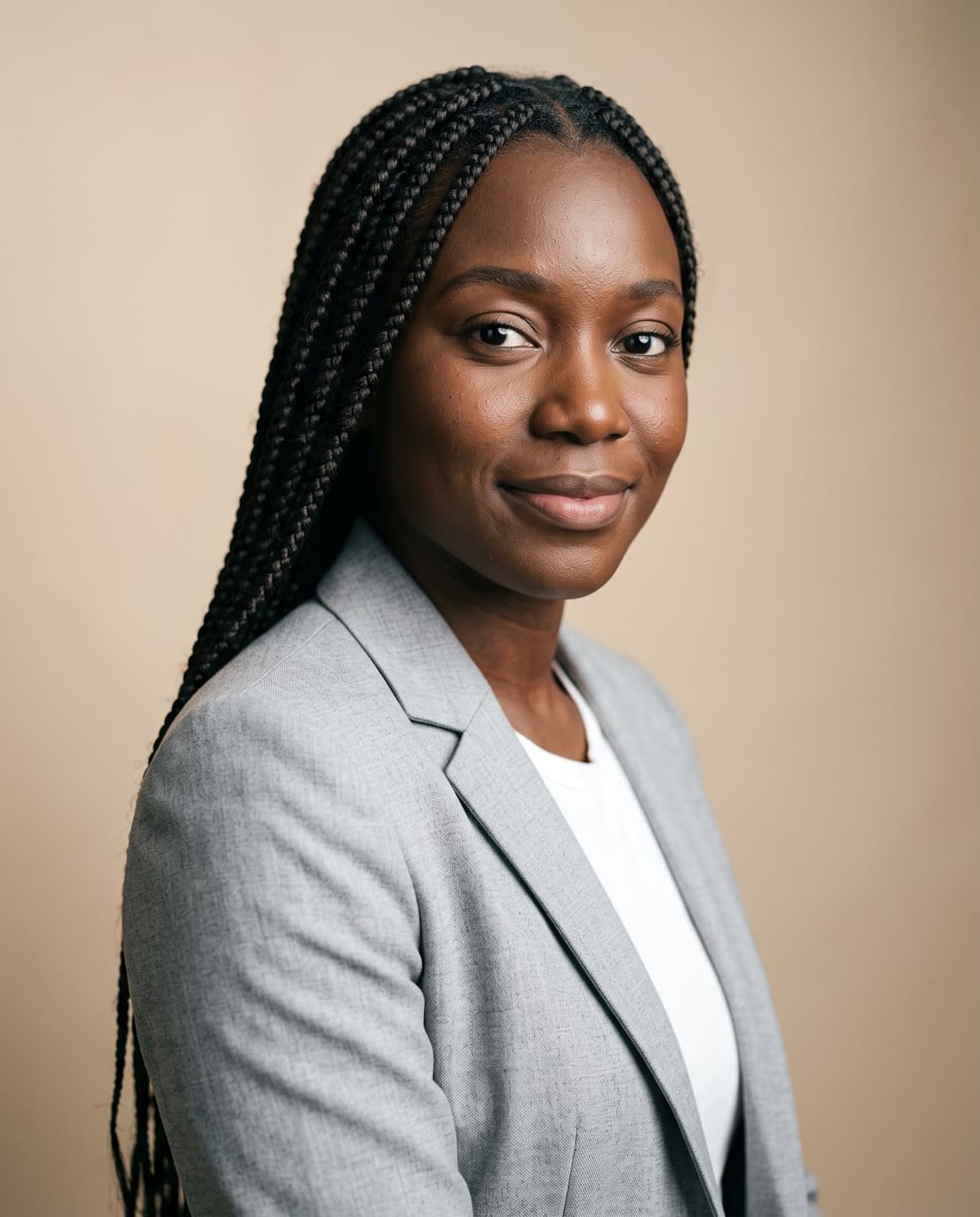
A team page looks professional when every photo matches: the same background, the same light and a similar crop. That is hard to get when people join at different times, work from different cities or never make it to the photographer's day. AI headshots solve this by giving everyone the same look from their own selfie.
Why consistency matters
Visitors look at a team page to decide whether a company is real and trustworthy. Ten photos with ten different backgrounds, light levels and crops look unplanned. Matching photos look like a team that has its act together, even if it is three people in three countries.
Agree on one look
- Pick one category, for example Corporate or Professional.
- Pick one background: a studio grey, a plain light wall or a blurred office.
- Agree on a dress level: business suit, smart casual or the company T-shirt.
- Write it down so new hires can match it later.
Each person makes their own
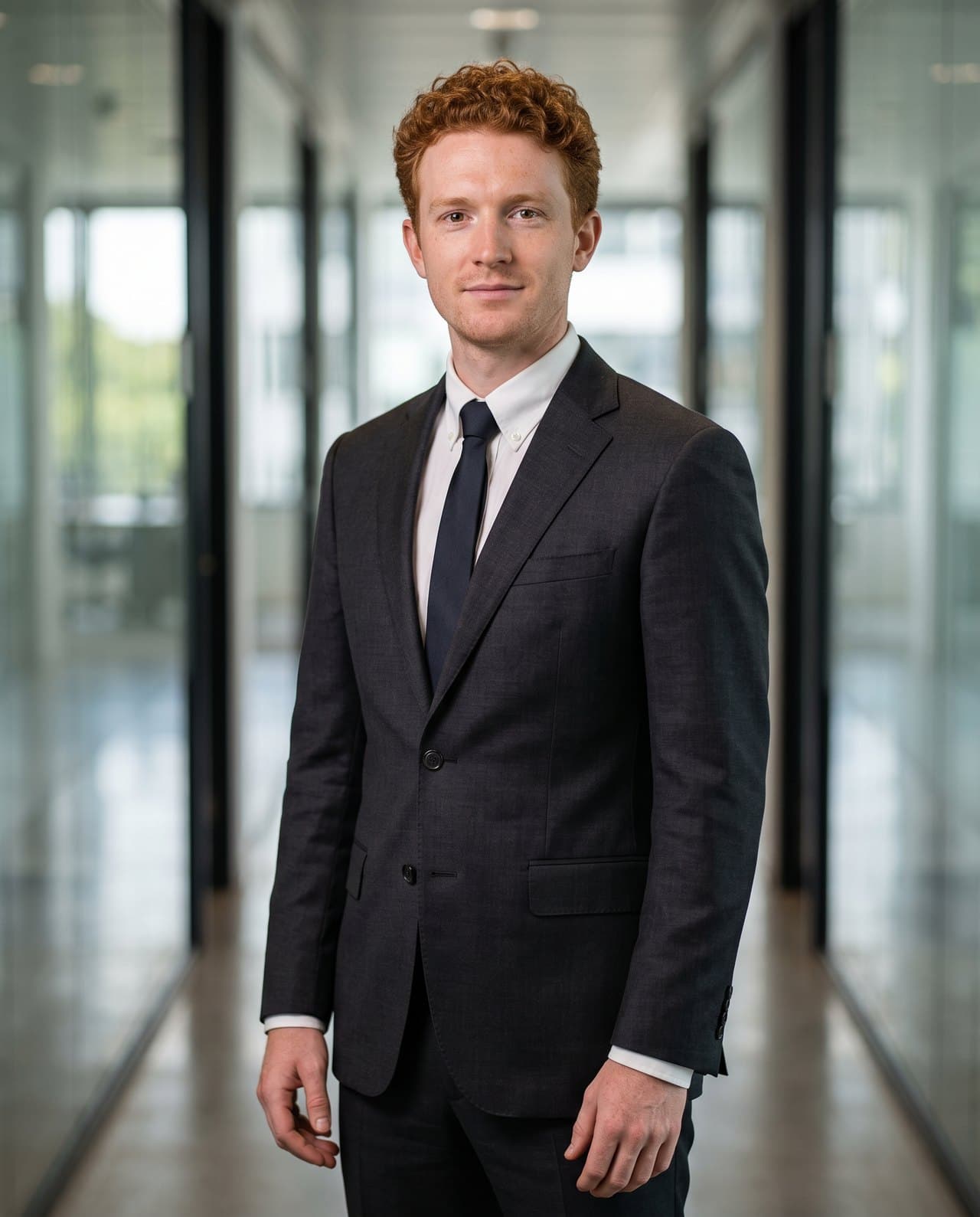
Everyone takes a clear selfie in daylight, uploads it to Maktek and chooses the agreed settings. Because the background, lighting and outfit come from the same settings, the photos match while each face stays the person's own.
Finish with the same crop
Crop every photo to the same shape and size before uploading to the website, with eyes at roughly the same height in each. This small step makes the grid look even.